

At a glance
Collaborate
Share your Shopify collaborator code so the RabbitPay team can access your store.
Install the App
Install RabbitPay from the Shopify App Store.
Set Up Your Store
Complete your business and store configuration.
Initial Setup
Configure OTP Verification, COD Rules, Partial COD, COD Fees and Notifications.
Go Live
Verify your configuration and begin accepting COD orders.
Need Help?
Contact the RabbitPay support team whenever you need assistance.
Collaborate Store with RabbitPay
1
Access your collaboration settings in Shopify
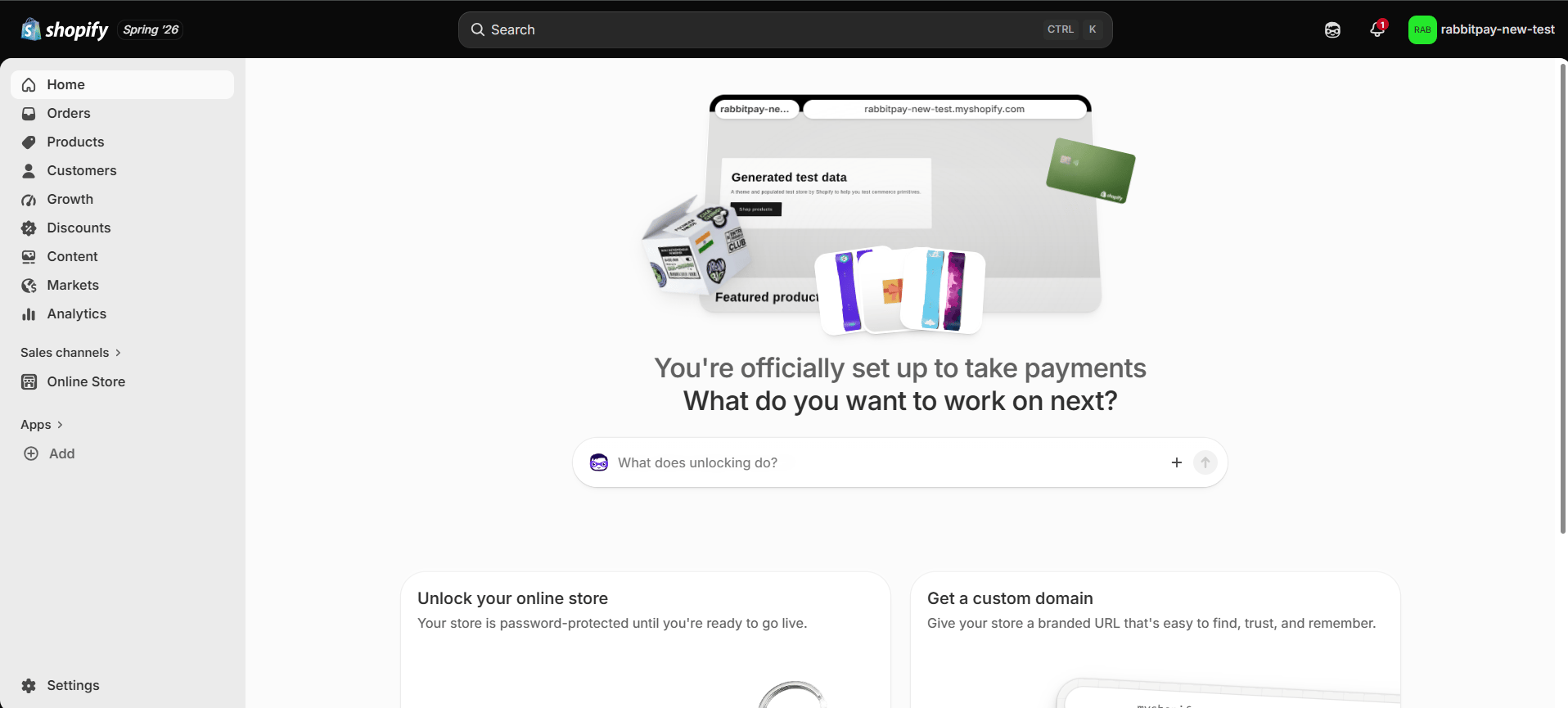
- Log in to your Shopify Admin account.
- Click Settings from the bottom-left corner.
2
Get your collaboration code
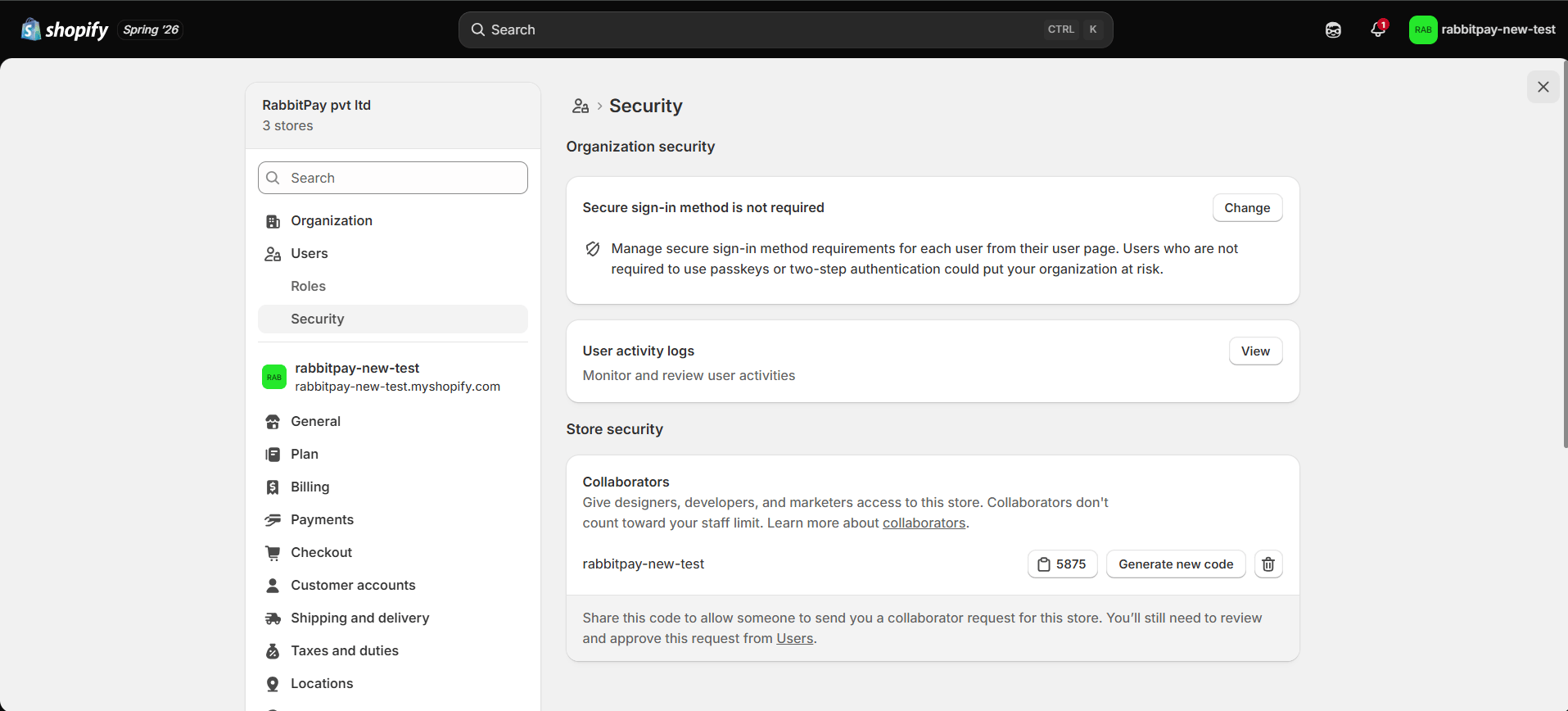
- Go to Users → Security.
- Scroll to Collaborators.
- Copy the Collaboration Code.
- Share the Collaboration Code together with your Store URL with the RabbitPay team.
3
Accept the collaboration request
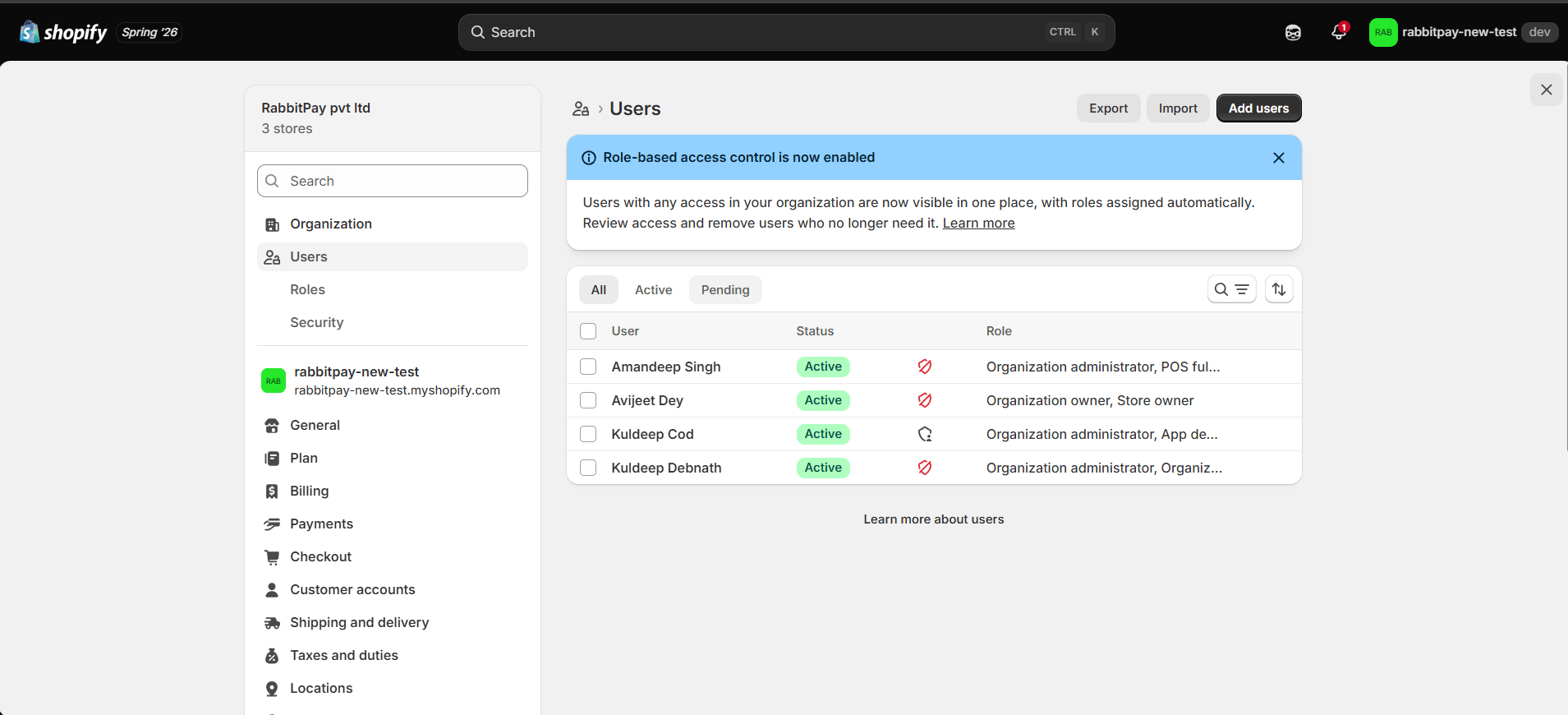
- You’ll receive a collaboration request from the RabbitPay Developers team.
- Review the request.
- Click Accept Request.
The collaborator access is used only to install and configure RabbitPay.
Get Started with RabbitPay
1
Open the RabbitPay App
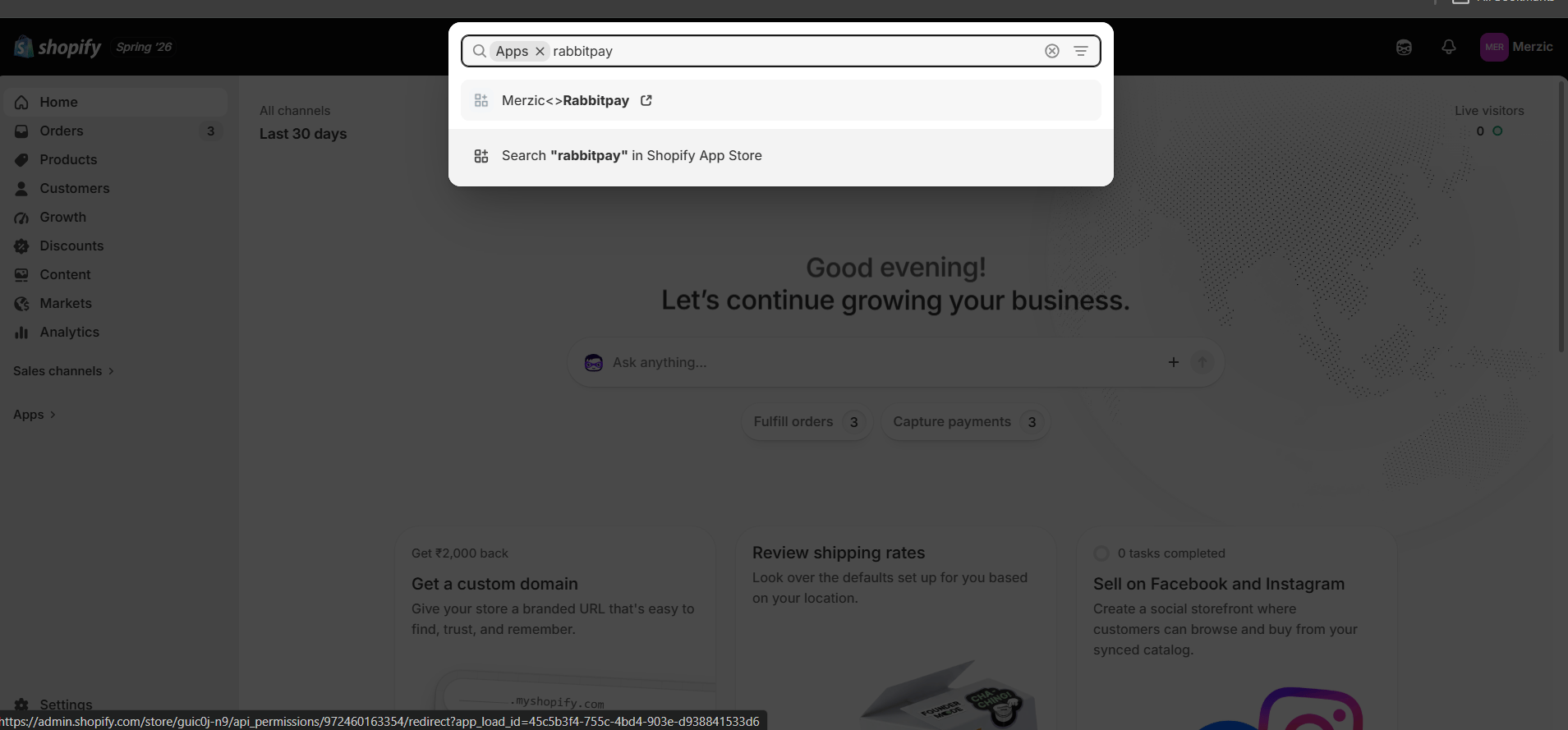
- Open your Shopify Admin account.
- Click Apps from the left sidebar and open RabbitPay.
2
Explore RabbitPay features and settings
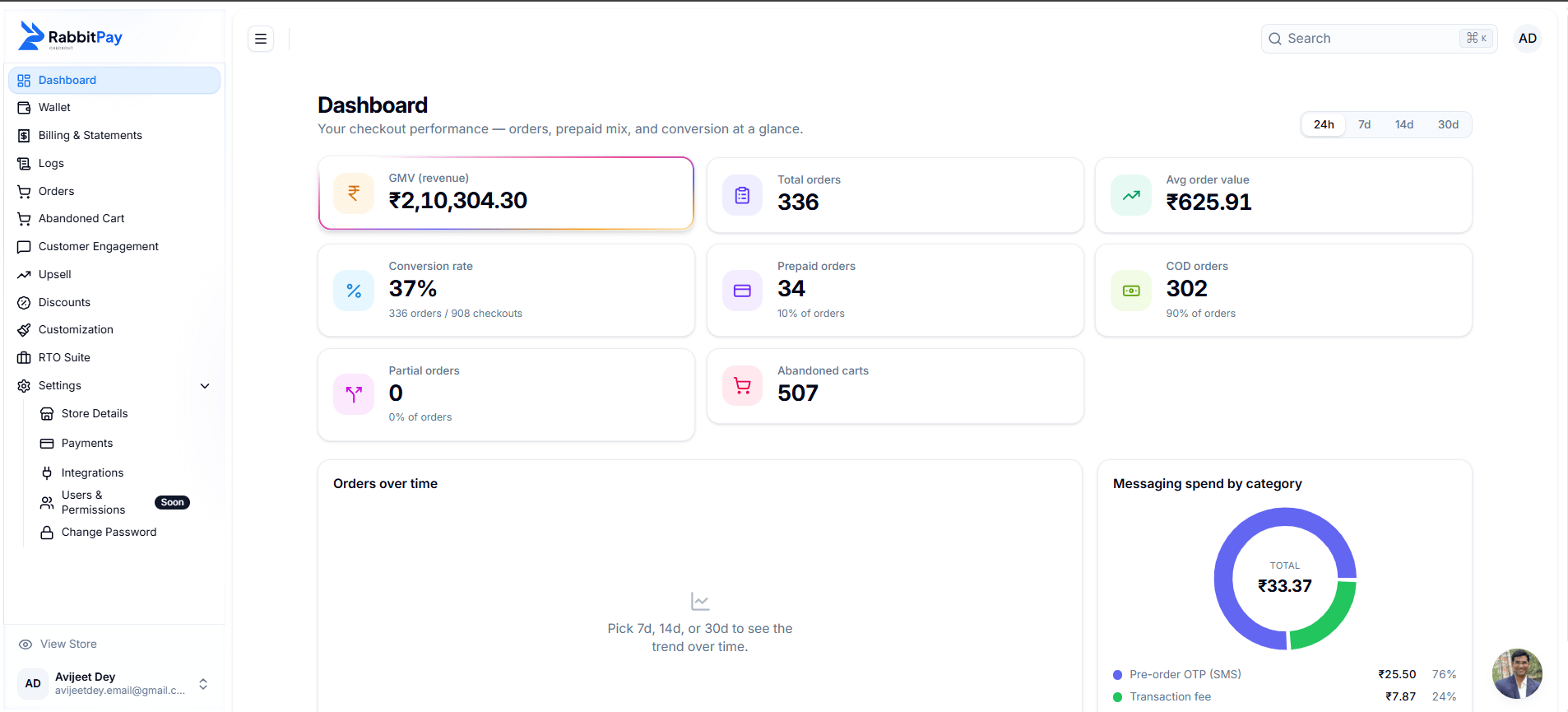
3
Complete payment gateway setup
Configure the payment gateways you intend to use before continuing with your RabbitPay setup. Select the gateways you want to enable for each Payment Method. If you already have active accounts with any of the gateways below, here’s what each one needs: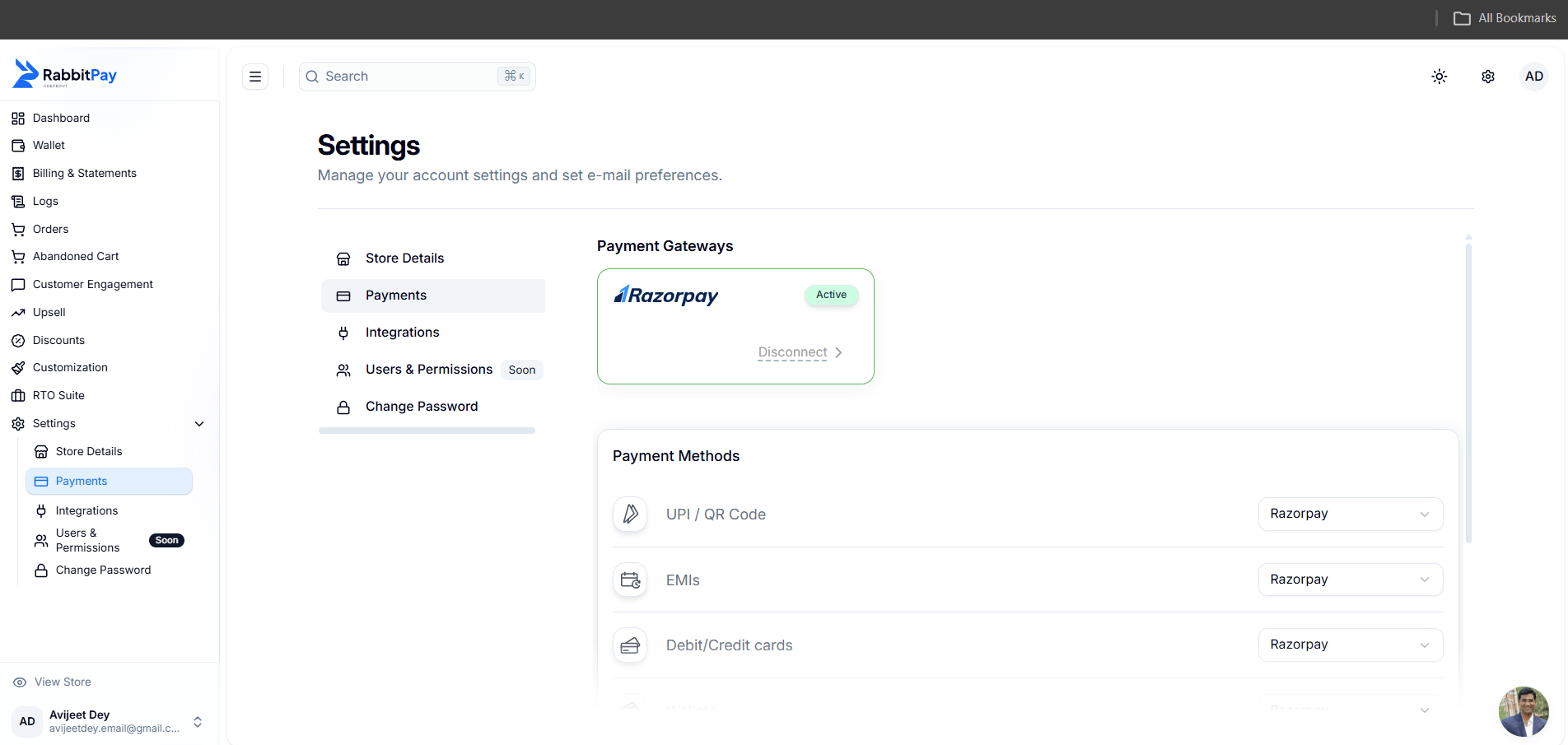
Razorpay
Razorpay
Requires account authorization from your Razorpay dashboard**.** View setup →
If you don’t configure payment gateways during the initial setup, you can configure them later from the RabbitPay dashboard.
4
Connect marketing and analytics tools
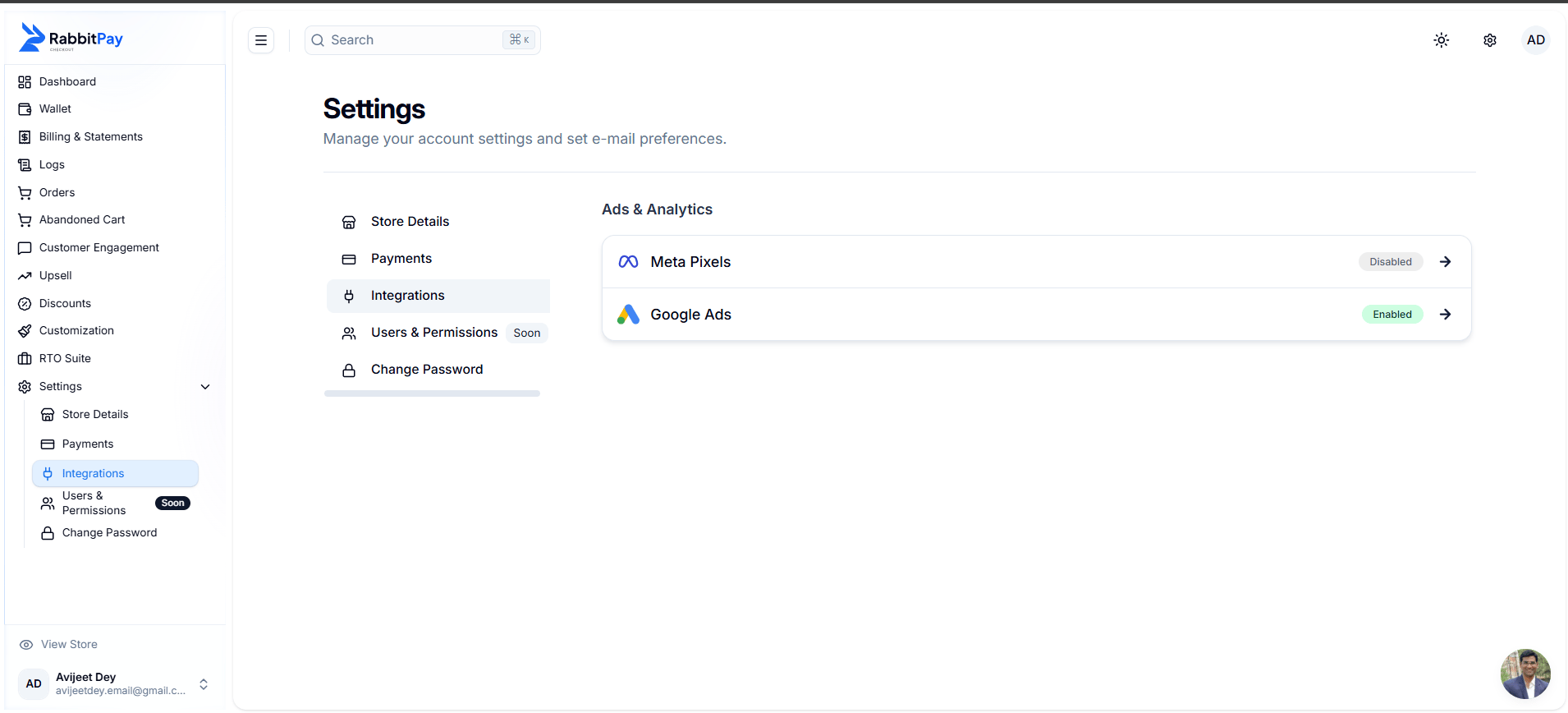
- Meta Pixel
- Google Analytics
- Google Ads
Continue Growing with RabbitPay
Onboarding is only the starting point. Once your store is live, you can keep exploring RabbitPay’s features and refine your Cash on Delivery workflows as your business grows.Join our WhatsApp Community
Stay updated with product updates, feature announcements, best practices, and connect with other RabbitPay merchants.
For payment gateway specific technical issues, please contact the respective gateway’s support team directly. RabbitPay can assist with integration guidance but cannot resolve gateway-side issues.